TurboSuite
Small apps for everyday things, built to feel like one.
Music, recipes, notes, video, documents and budgets. Open source, yours to run, and every one of them looks, moves and updates the same way.





Vibecoded, for personal use first. An AI writes the code. These are not hand-written apps; they are one person's vision, made to fit one life. More on that
Read this first
Vibecoded for personal use, not hand-written
Every app on this page is vibecoded: Turbo tells an AI (Claude) what is wanted, looks at what comes back, and steers until it is right. The code was not written by hand, and it is not presented as hand-crafted work.
What comes from a person here is the vision: what each app is for, how it should feel, what it must never do, and every decision about it. The apps exist because they were wanted for everyday life, so they fit those habits first. If they suit you too, great; expect rough edges, and expect them to change when those needs do.
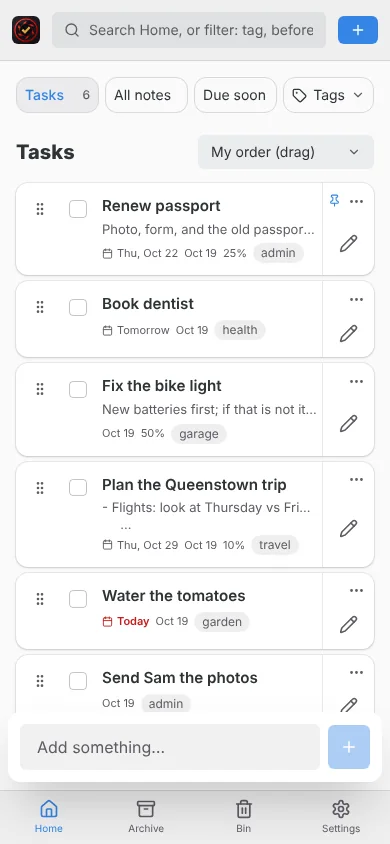
The screenshots are real captures of the running apps, filled with invented sample data. The code is open source (MIT) and it is all on GitHub.
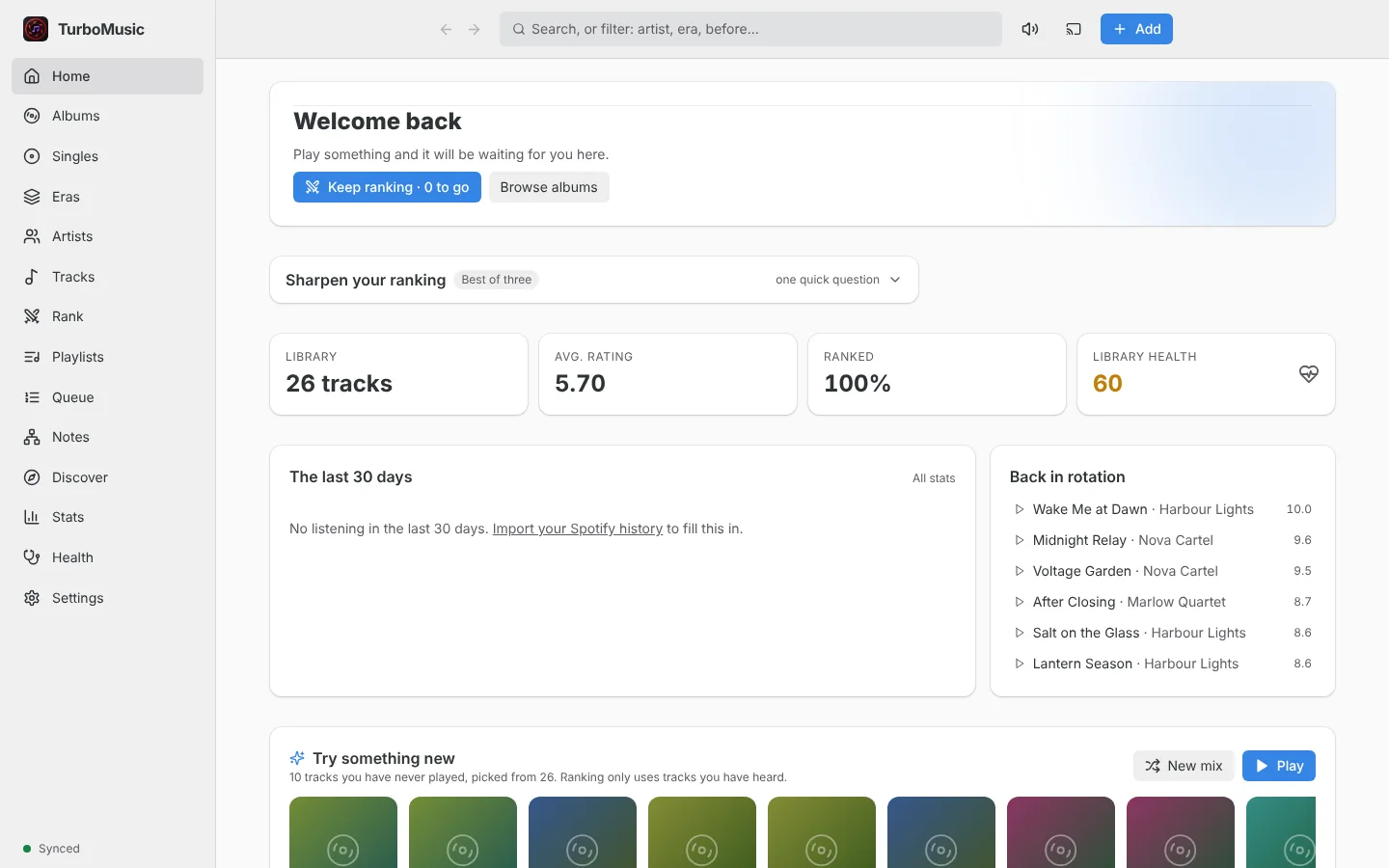
TurboMusic
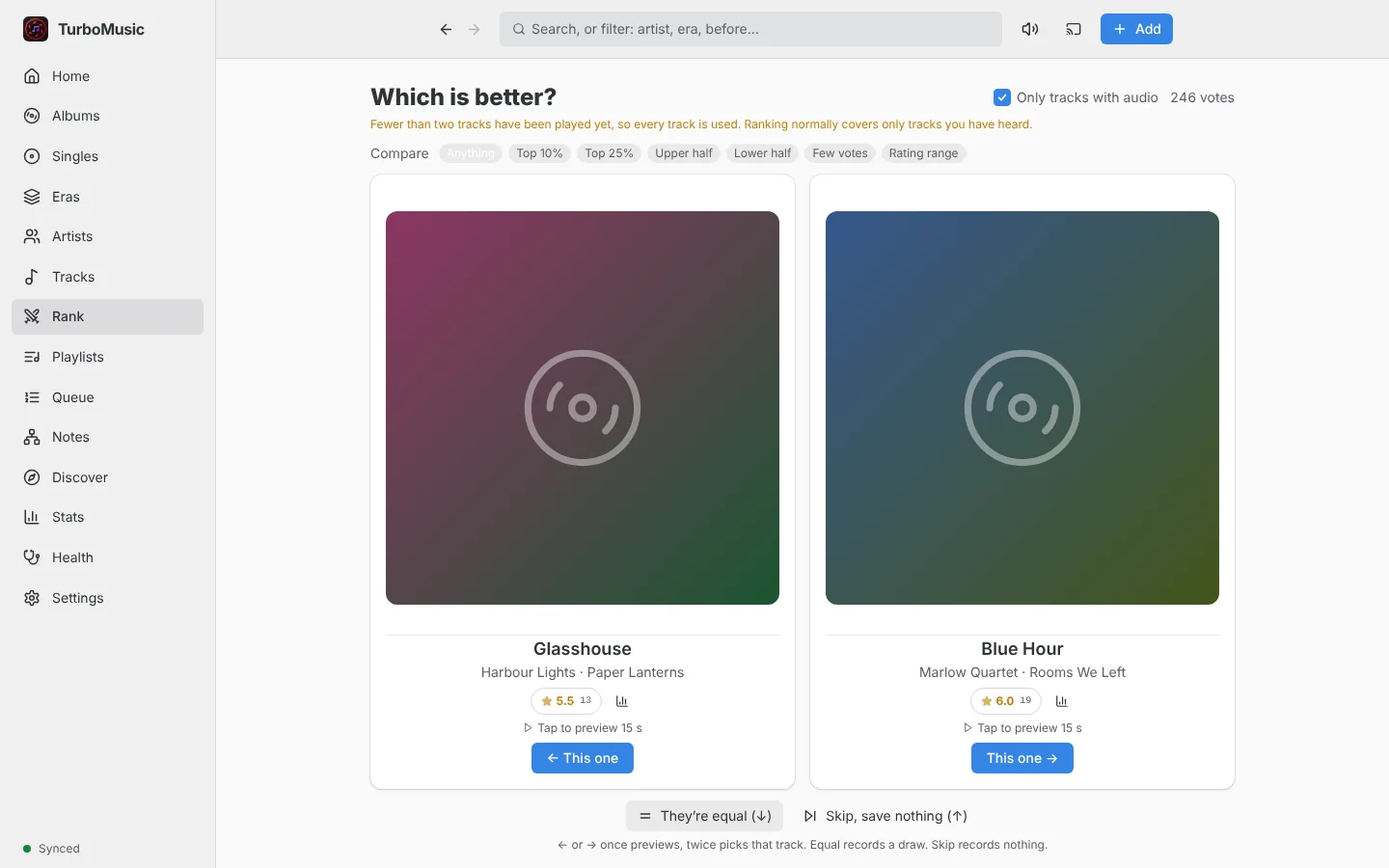
Rank your music by asking one question: which is better?
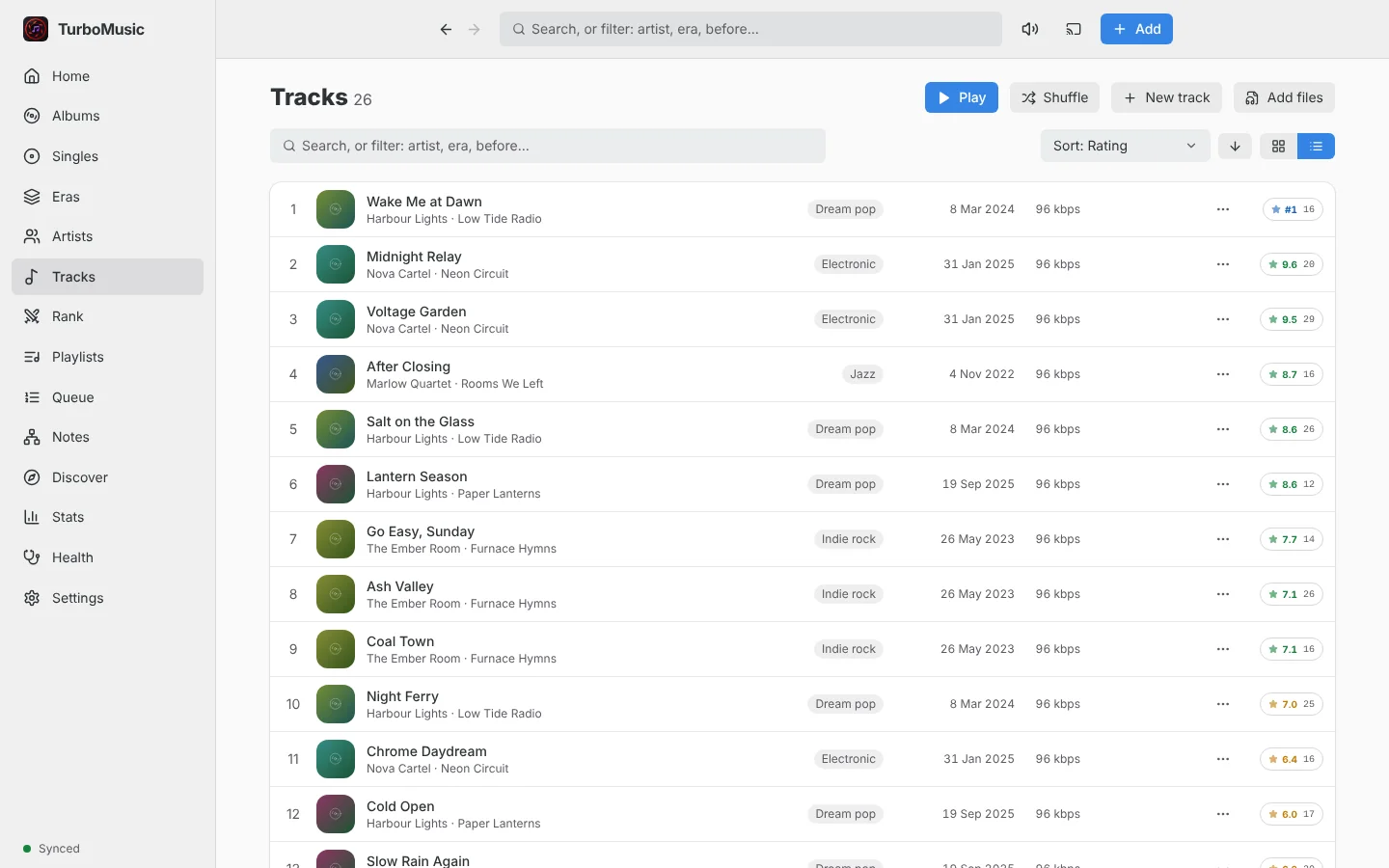
A music library manager for people who own their files and care about what ranks first. Head-to-head votes become a 0 to 10 rating for every track, and everything keeps working offline.
- Votes are an append-only log; ratings are replayed from it, so voting on several devices merges cleanly.
- A real queue, playback rules ("always play B right after A"), crossfade, a ten-band equaliser and synced lyrics.
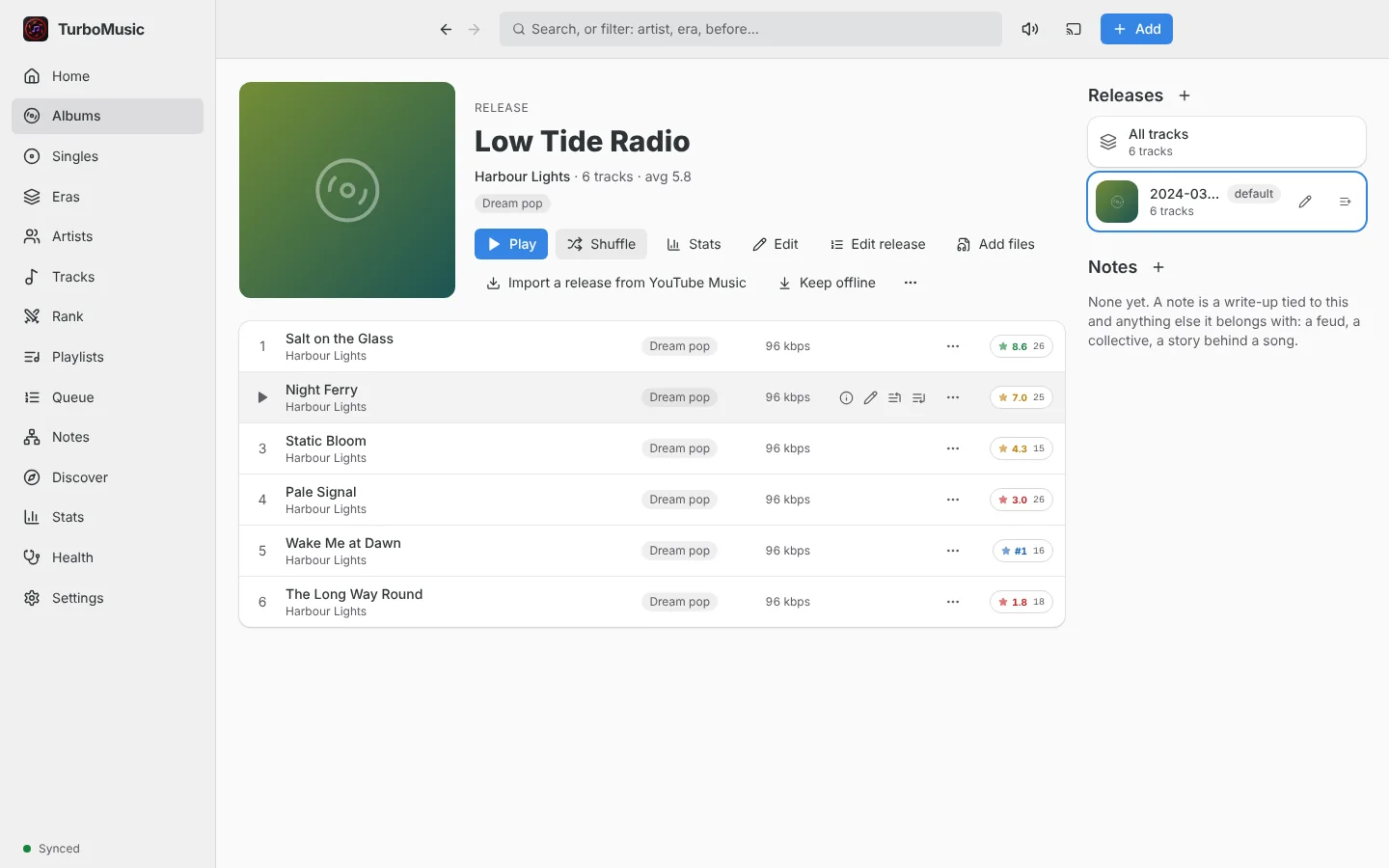
- Albums, releases, eras and notes, with search chips like
artist:andrating:. - Local first: each client holds the library and syncs with a small server, for example on a Raspberry Pi.
- Web (installable)
- Windows
- Linux
- Android + Android Auto
- Self-hosted server
TurboPantry
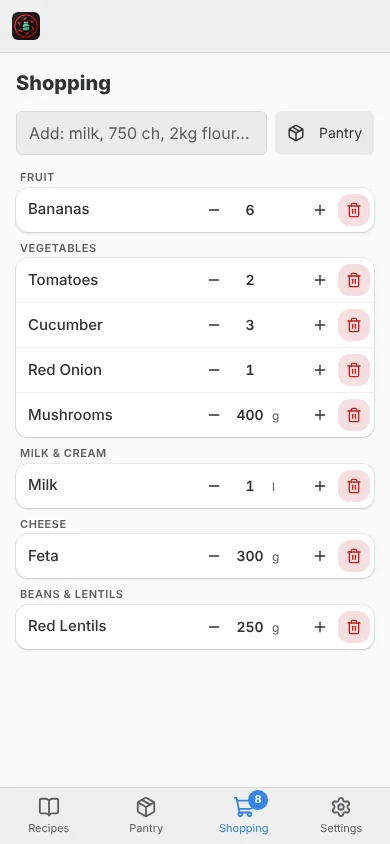
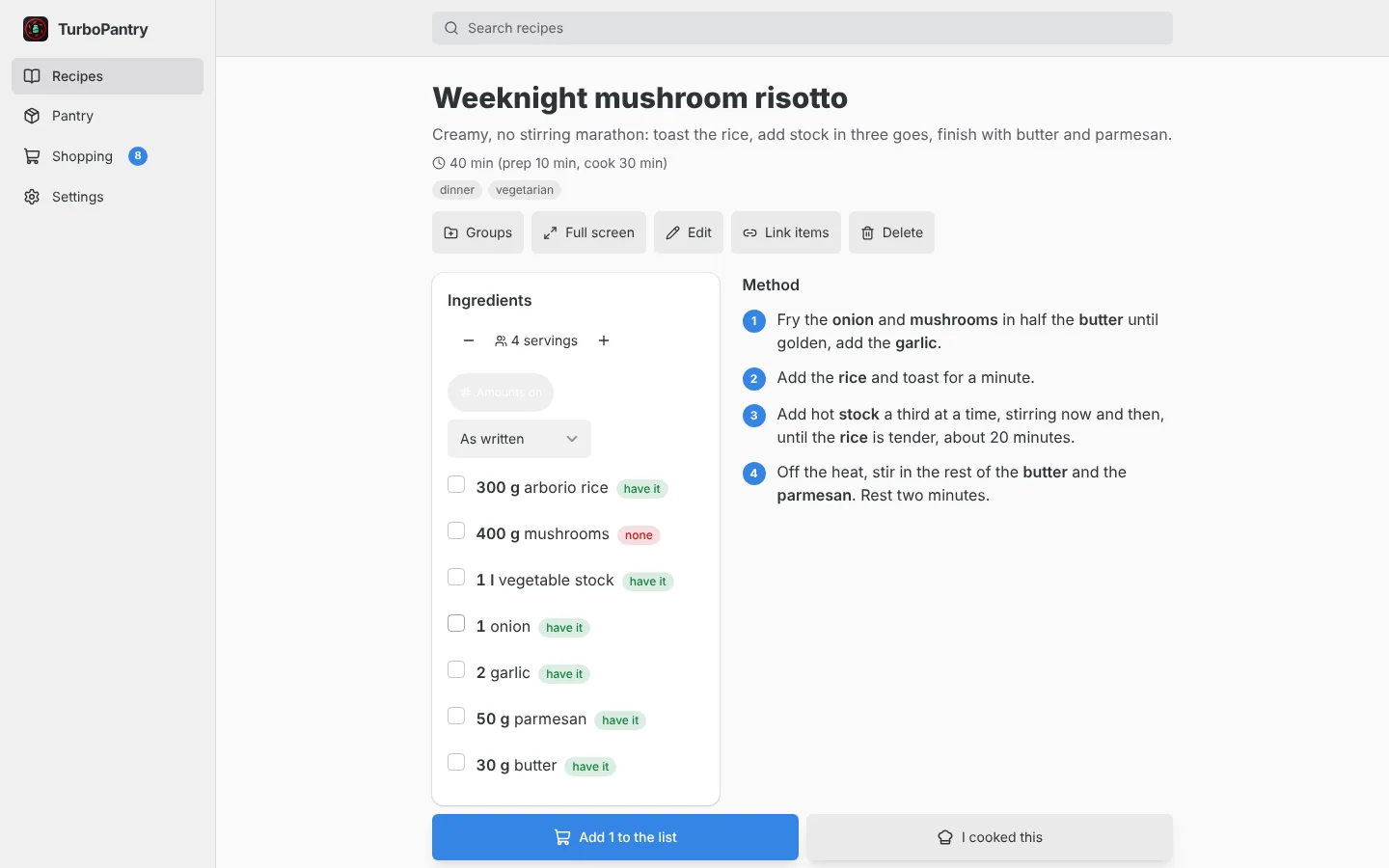
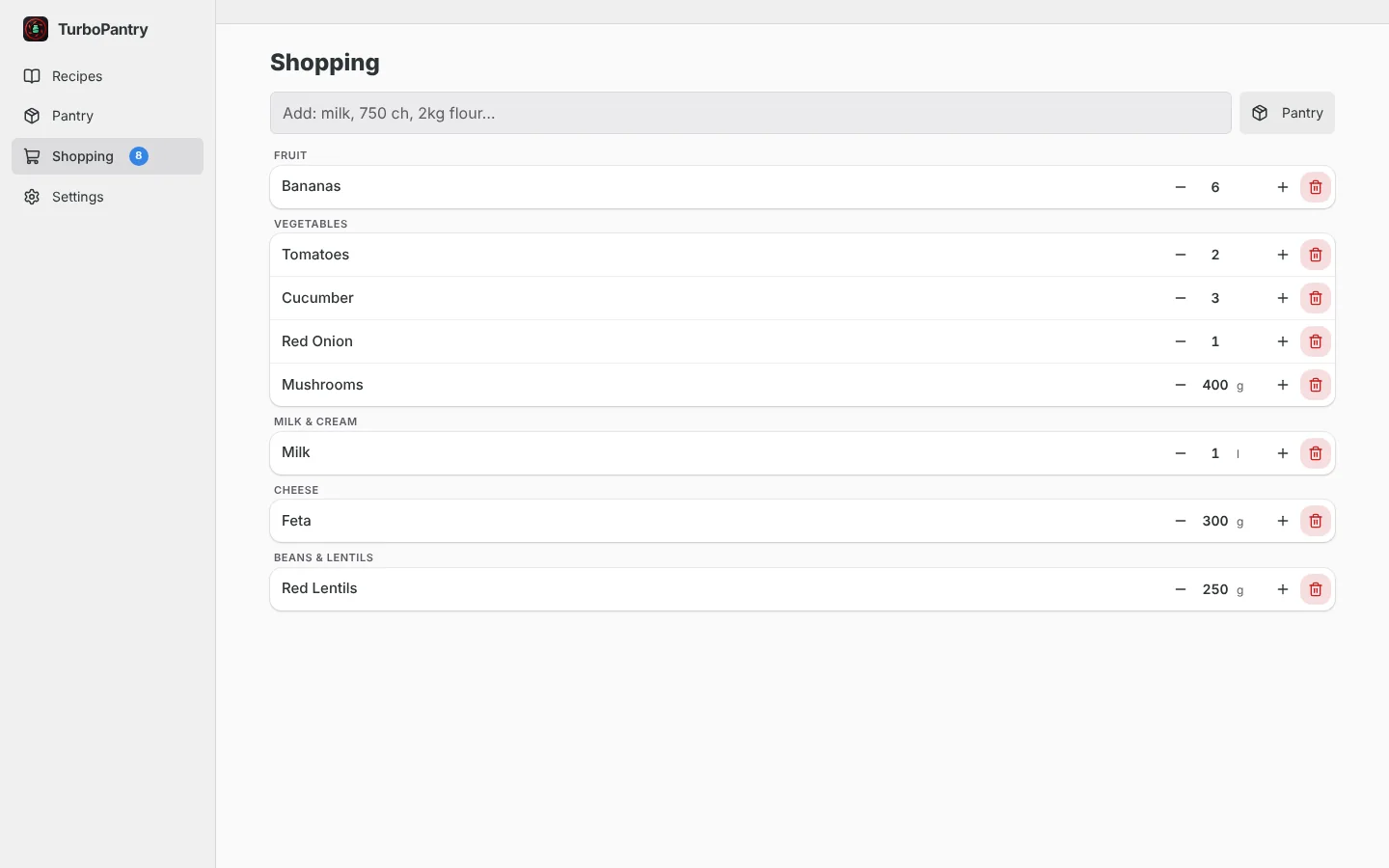
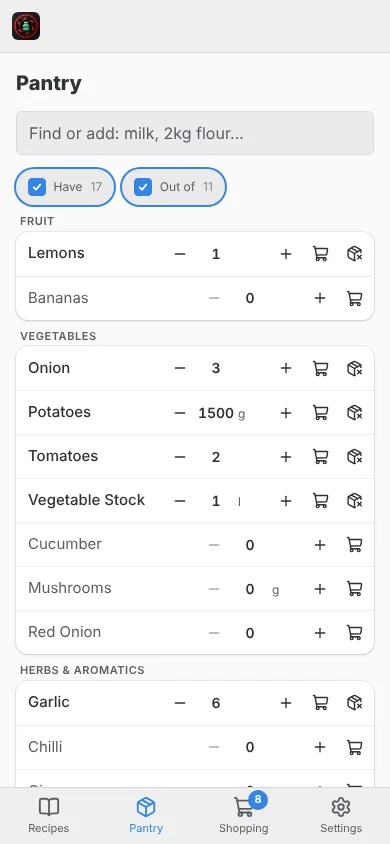
A recipe box, a pantry and a shopping list that stays in sync.
Import recipes from websites, keep them in one place, and add only the ingredients you are missing to a list shared between the people in your home.
- A recipe shows what you already have ("have it" or "none") and adds just the rest to the list.
- The shopping list updates live on every phone; ticking things off puts them in the pantry.
- Scale servings, switch unit modes, bold the amounts, mark "I cooked this".
- Built for the phone first, with a few accounts on one server and no paid service anywhere.
- Web (phone first)
- Self-hosted server
- Android (early)
TurboKeep
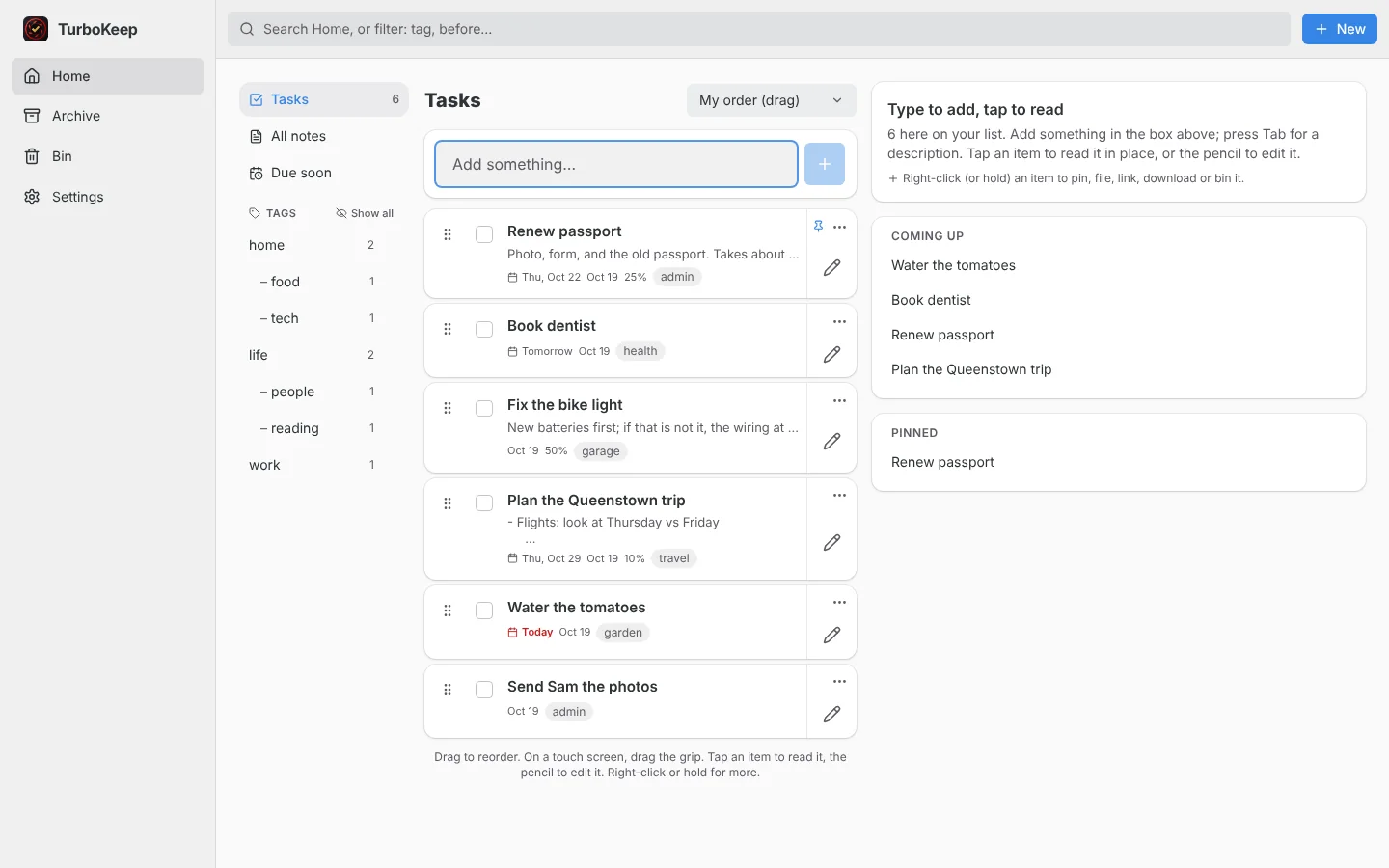
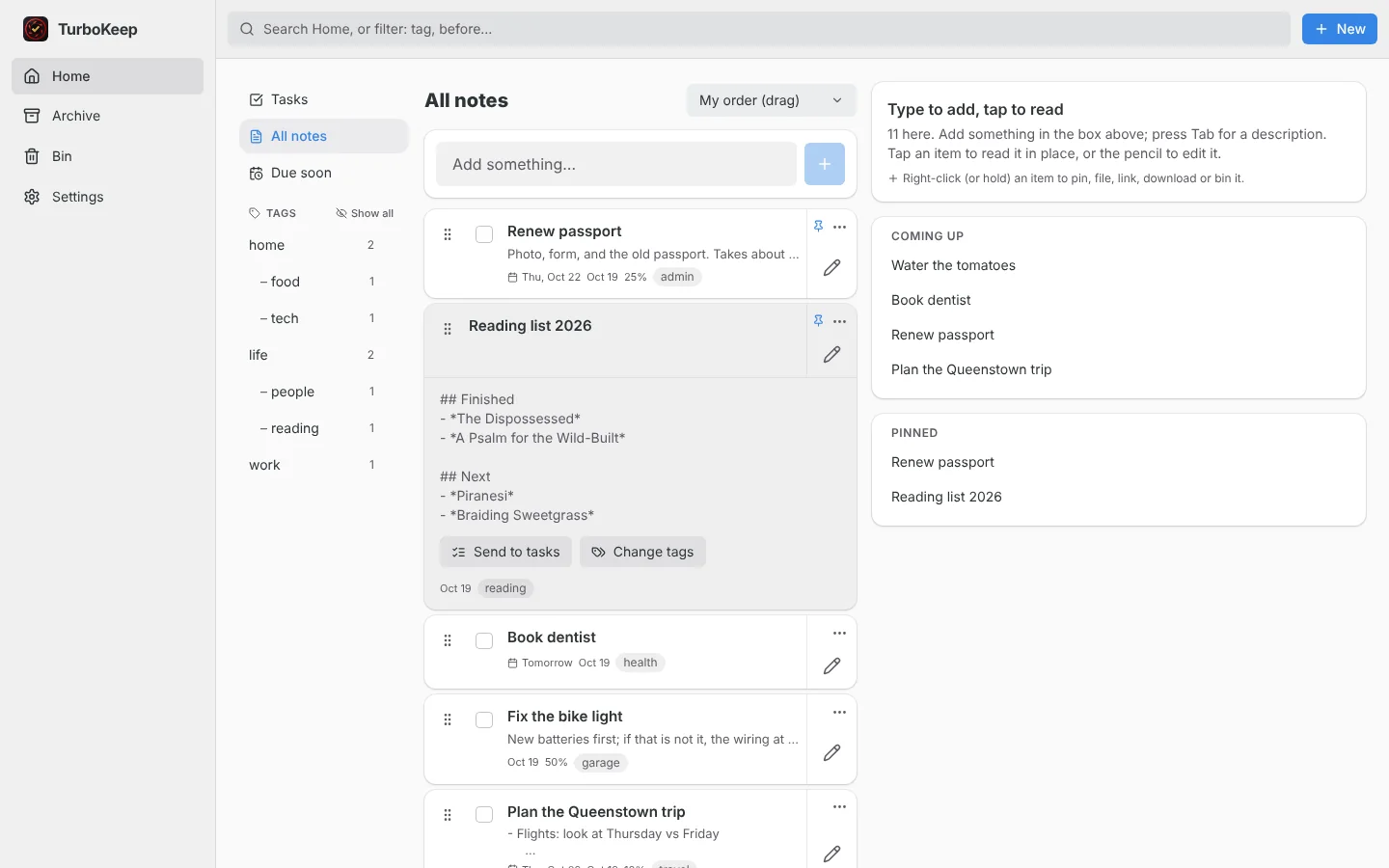
To-dos and notes in one small app.
There is one kind of thing: you type something and it is on your list. Tick it to finish it, or send it to tags to keep it.
- Tags with emoji and colour, drag to reorder, pin, archive, bin, search, autosave.
- Warns instead of overwriting when the same item changed on another device.
- Imports and exports Standard Notes, Vikunja and its own backup, so you can leave at any time.
- An Android app with a home-screen widget, quick add and a share target.
- Web
- Android
- Self-hosted server
TurboCut
A lightweight video editor for short vertical clips.
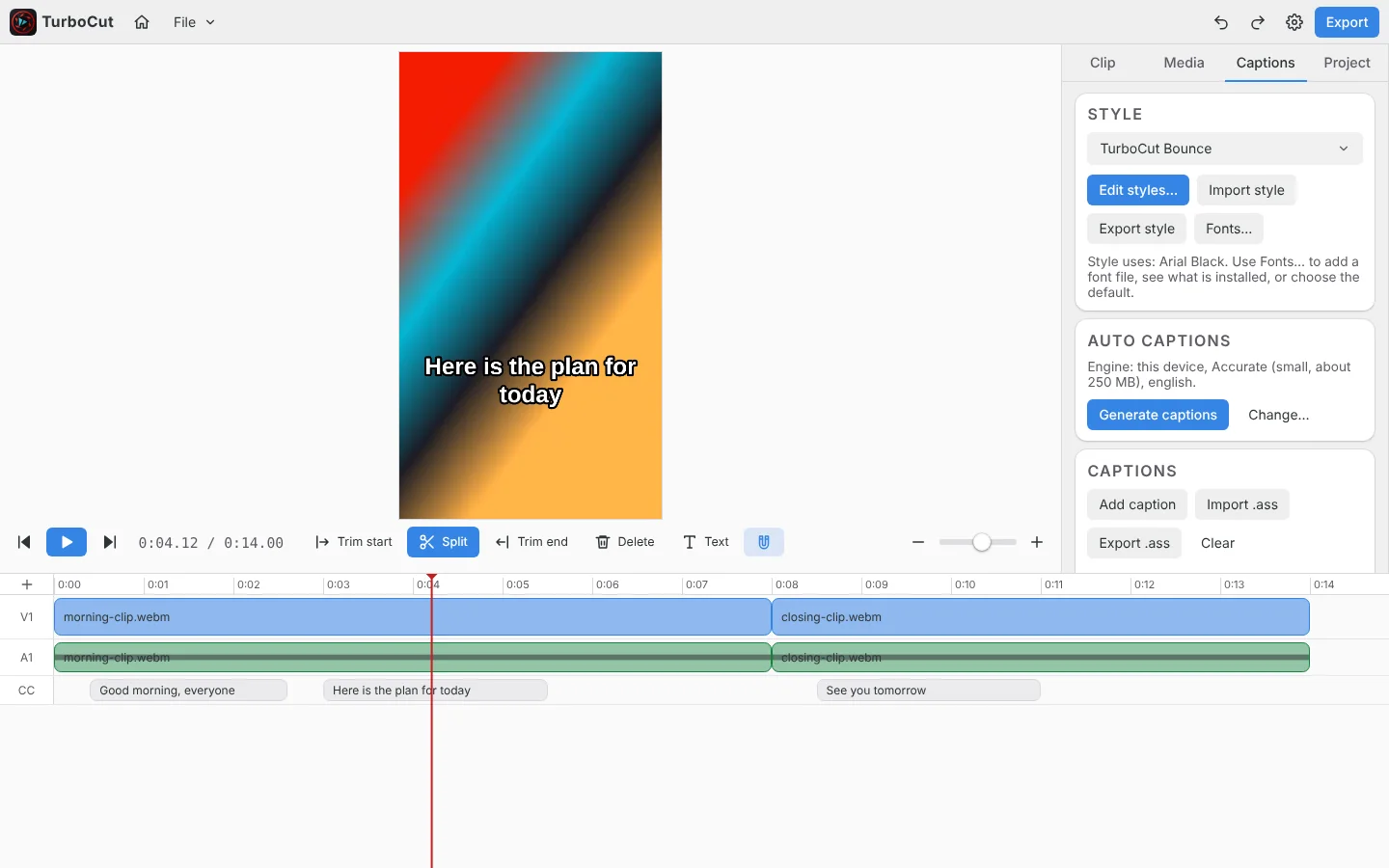
A multi-track editor for short vertical videos, and longer 16:9 edits too, with automatic captions built in.
- Multi-track video and audio timeline at 60 fps, with keyframes on every setting.
- Automatic captions from a local Whisper model, with caption styles and fonts.
- Exports MP4 or WebM in the app. Projects are small
.turbocutfiles. - One web codebase, wrapped for Windows and Ubuntu (Electron) and Android (Capacitor).
- Windows
- Ubuntu
- Android
- Web
TurboDocs
Documents, spreadsheets and presentations as small apps in one shell.
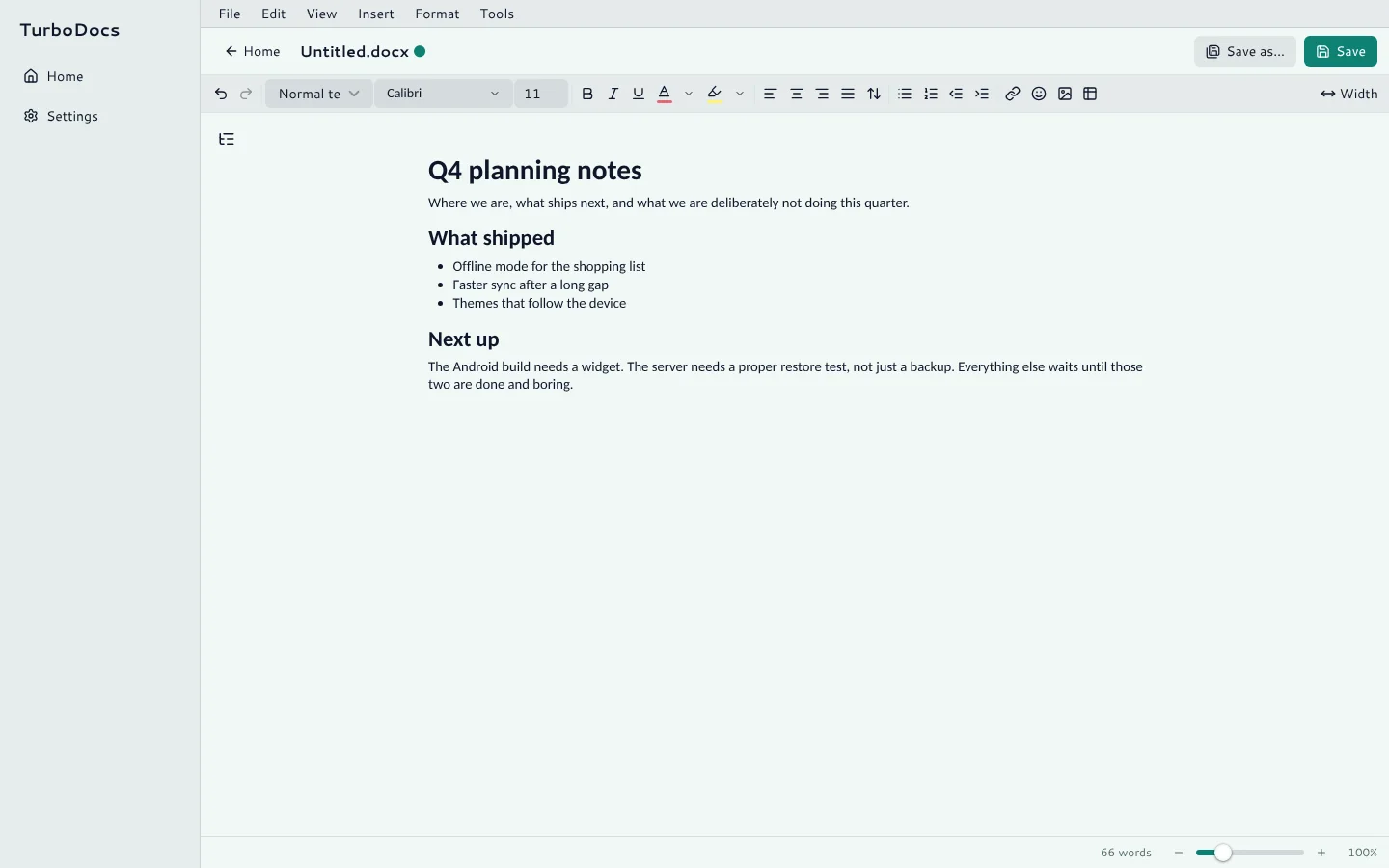
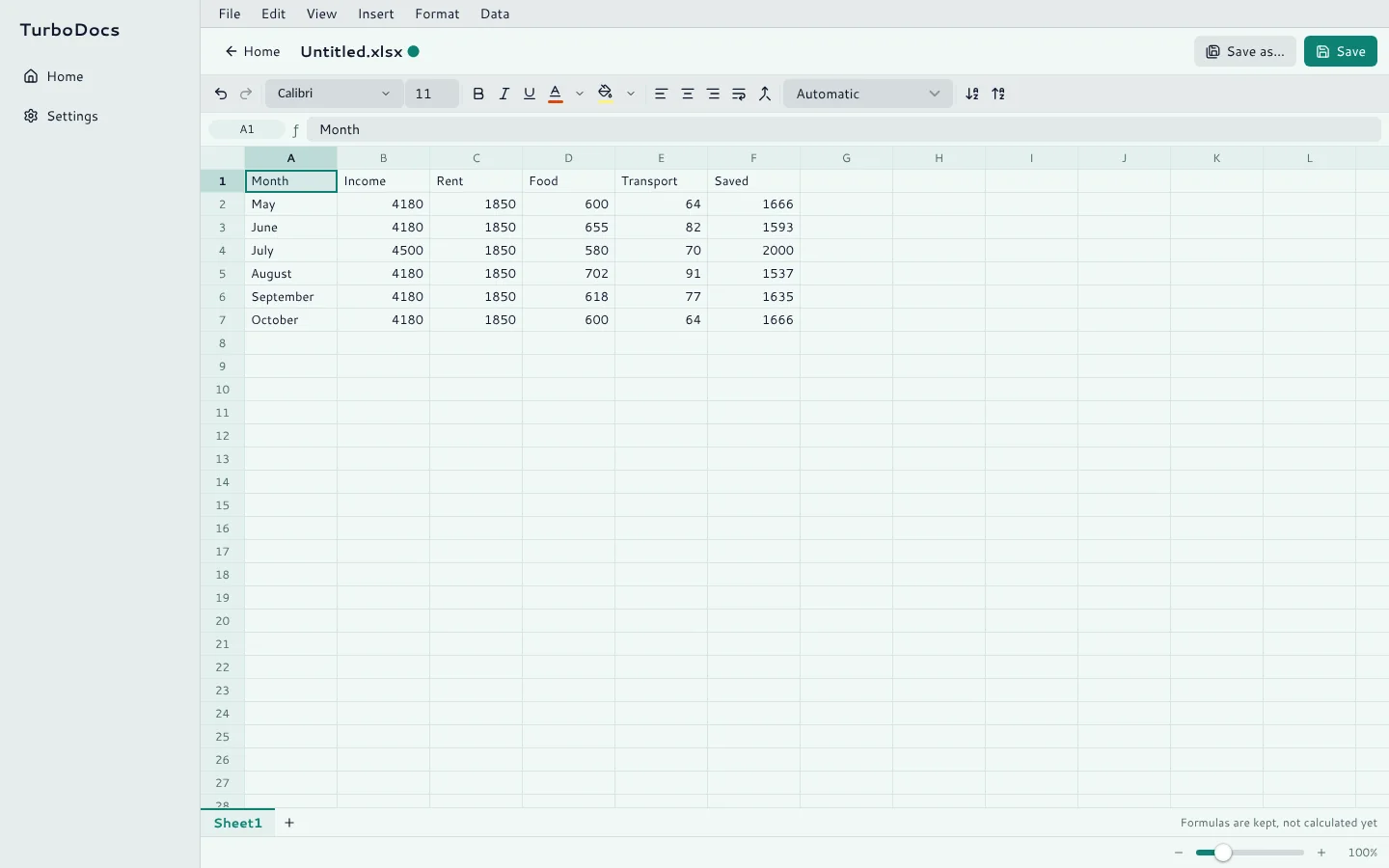
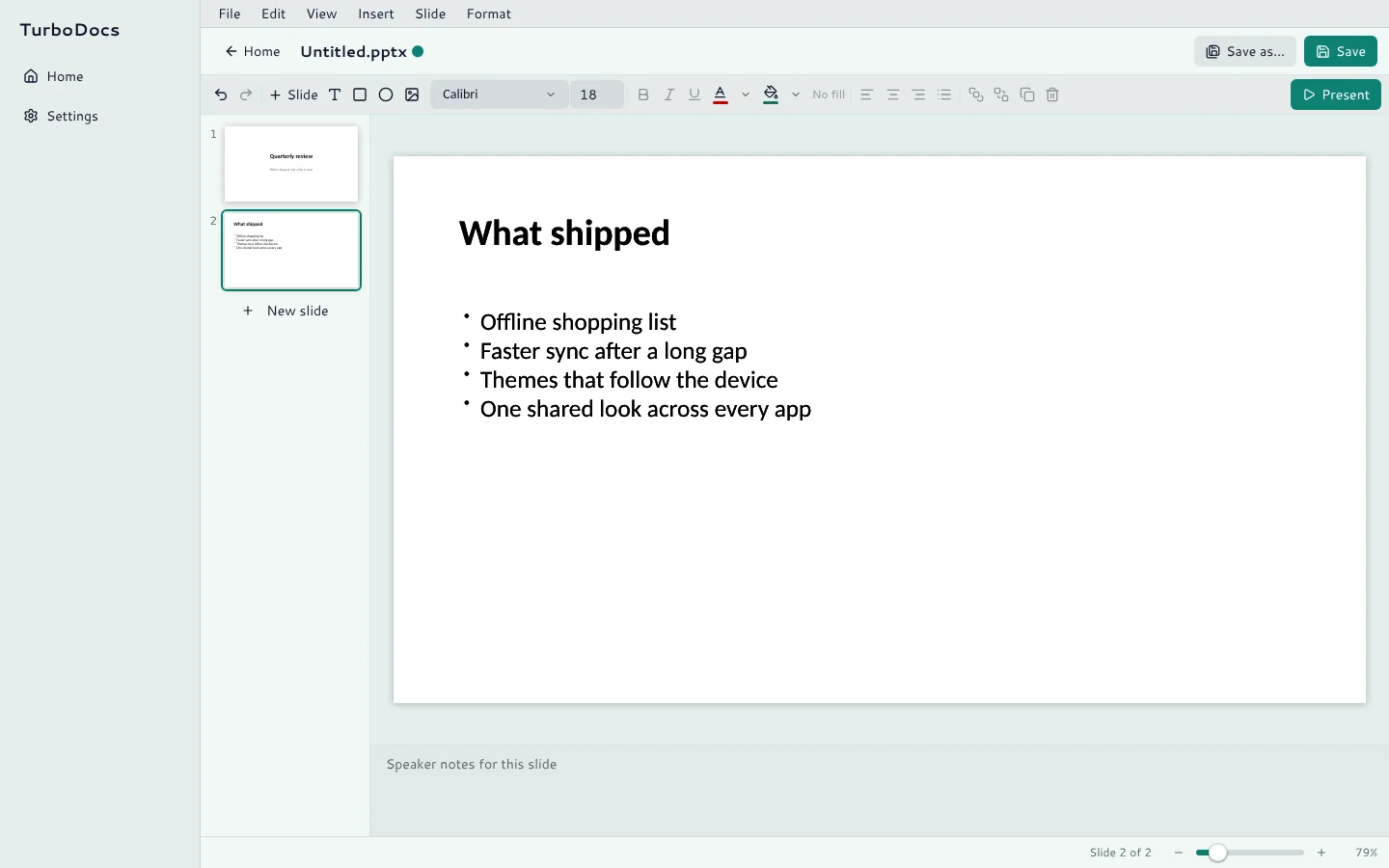
Docs, Sheets and Slides install into one themed desktop shell and open and save real Word, Excel and PowerPoint files.
- Docs edits .docx, Markdown and plain text, pageless.
- Sheets opens .xlsx and .csv. Formulas are kept, but not calculated yet.
- Slides edits .pptx with a full-screen show and speaker notes.
- Add or remove each app in Settings; the desktop shell updates itself.
- Linux
- Windows
- Desktop (Electron)
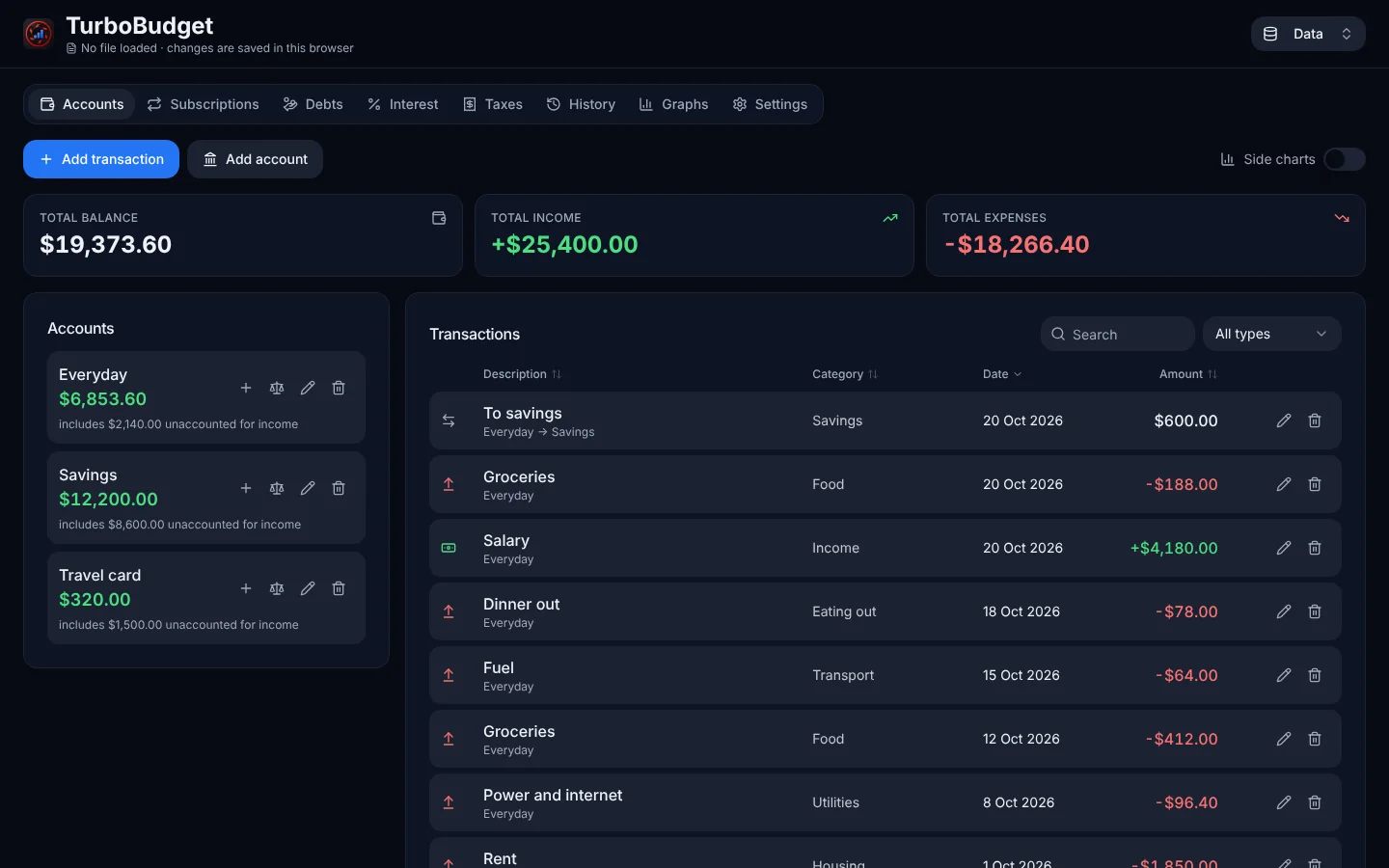
Opening and saving files needs the desktop app. These captures are of the web client, which runs the same editors.
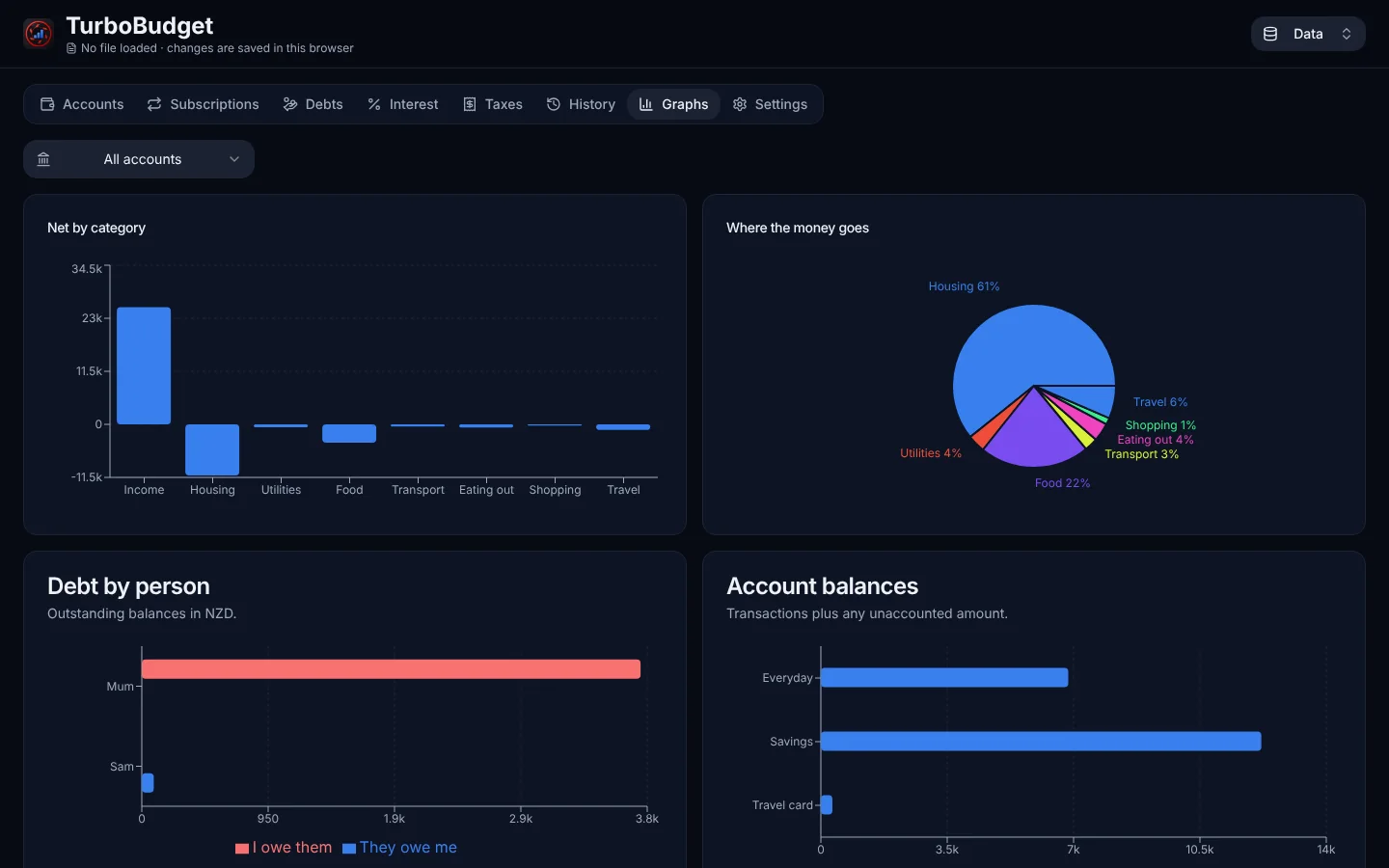
TurboBudget
A budget that runs entirely in your browser.
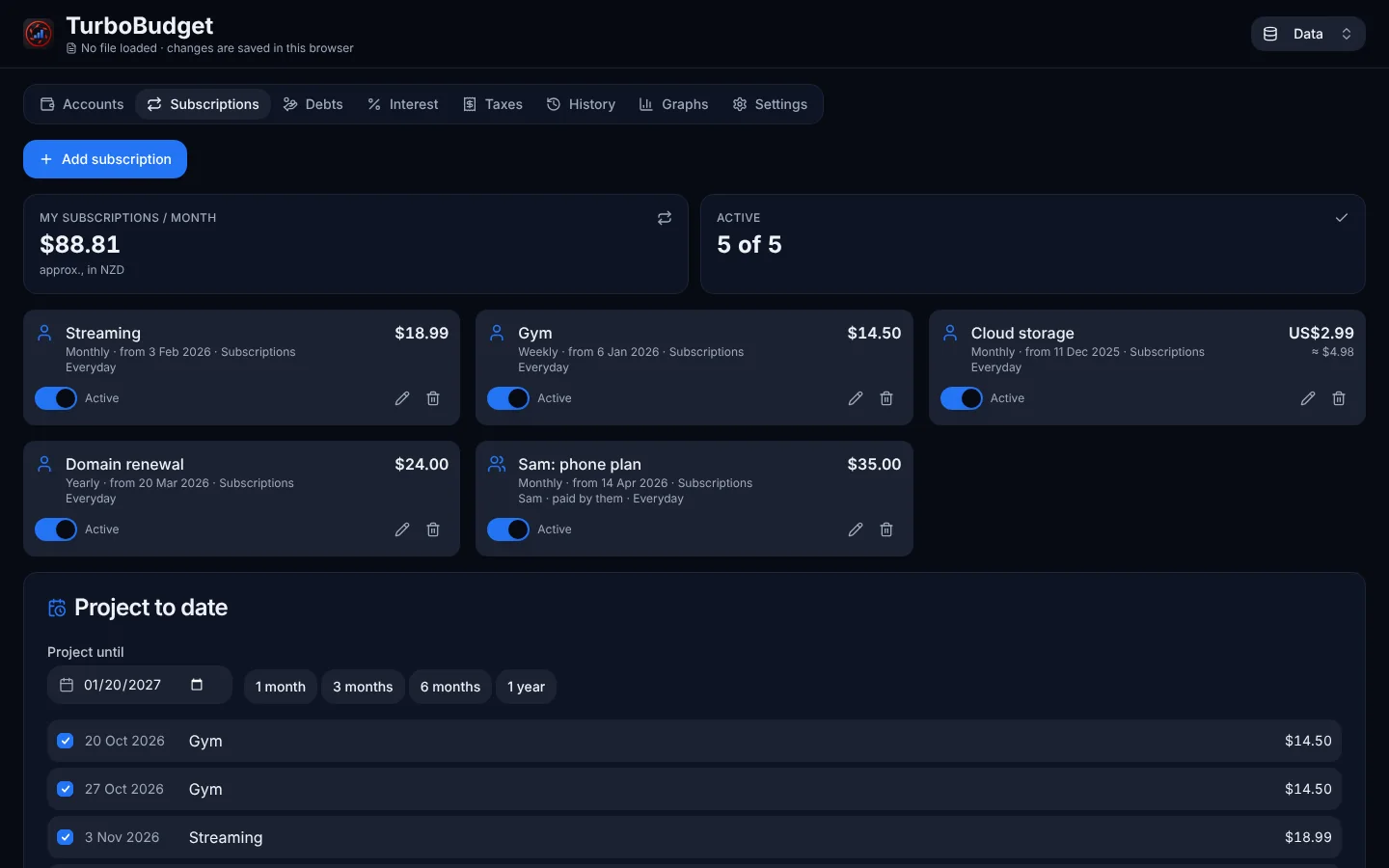
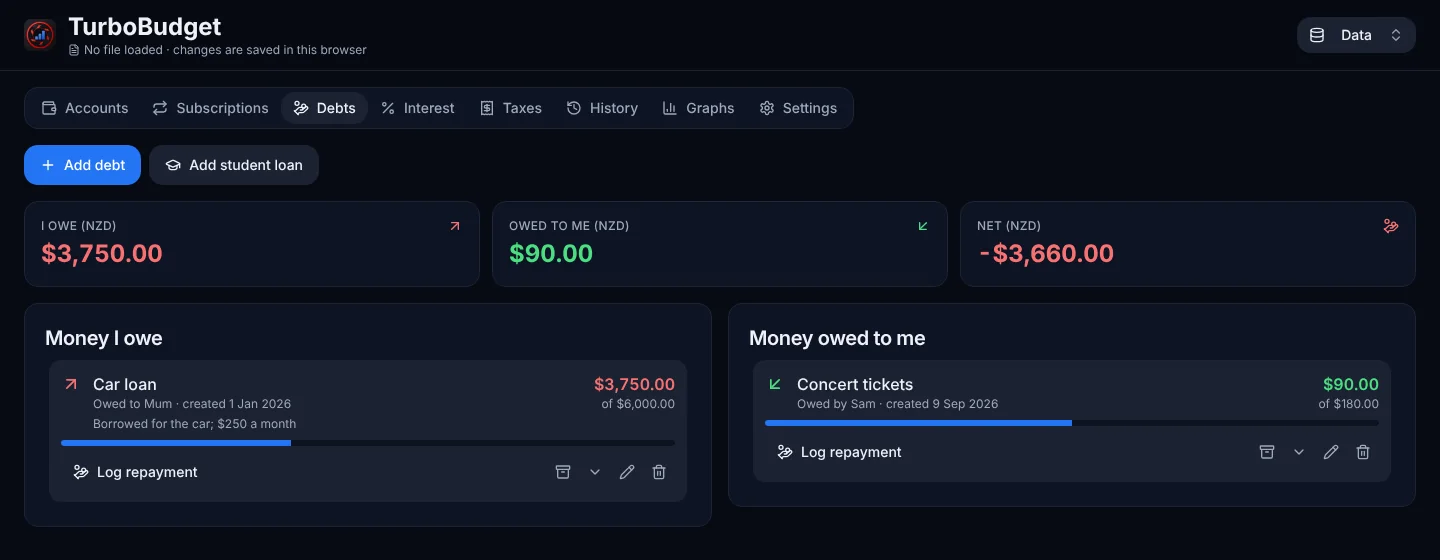
Accounts, subscriptions, debts, interest, taxes, a history timeline and a lot of graphs. There is no server and no account: your data never leaves your device.
- Add transactions, transfers between accounts and categories, with undo on delete.
- Subscriptions from daily to every two years, yours, someone else's, or a loan with a person.
- Debts with repayment history, plus an NZ student loan preset.
- Data lives in your browser and in
.dbfiles you export yourself.
- Browser only
- No account
- NZD, USD, EUR
Runs entirely in your browser, so the web app is the app. Saved data is kept per address, so it stays on the device and address you used.
One app, as many looks as you like
Every app uses the same theme engine, so a look is a setting, not a rebuild. Below is TurboMusic's album page in four of them. The page you are reading uses the same engine: open the picker in the corner and change it.
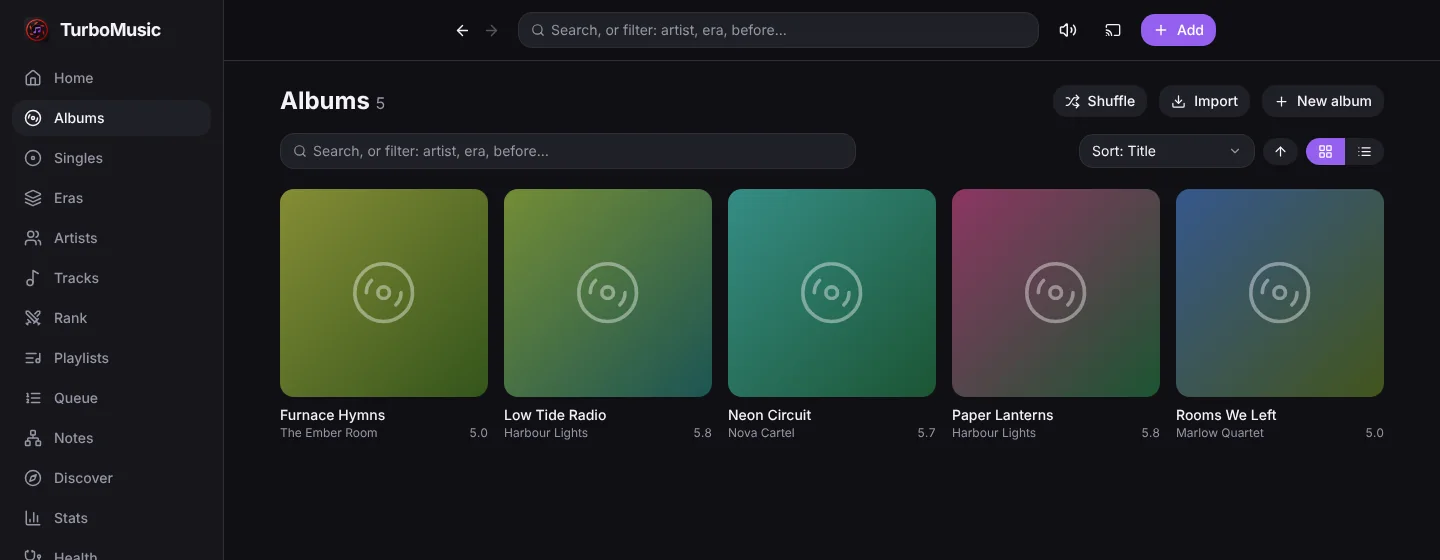
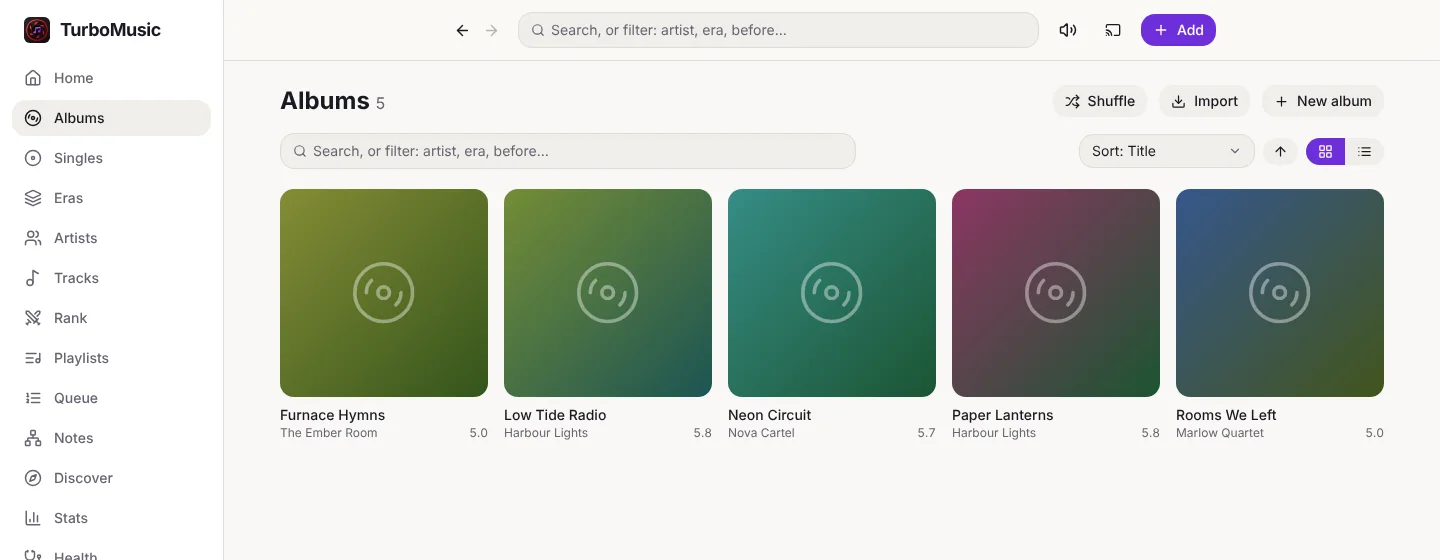
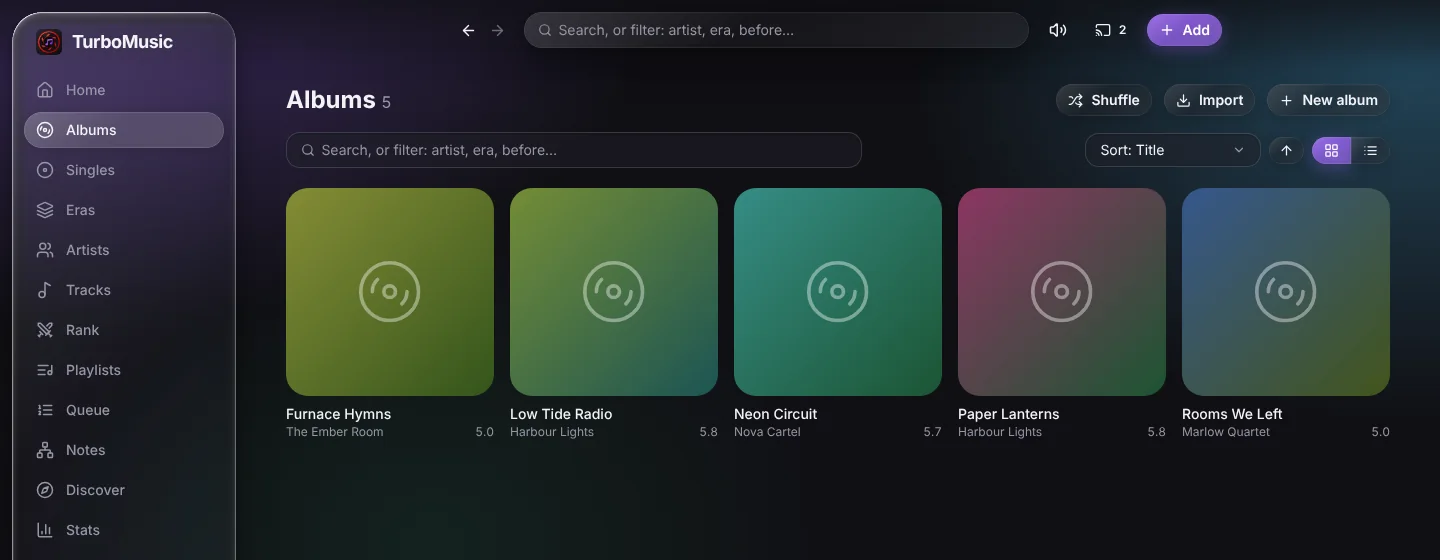
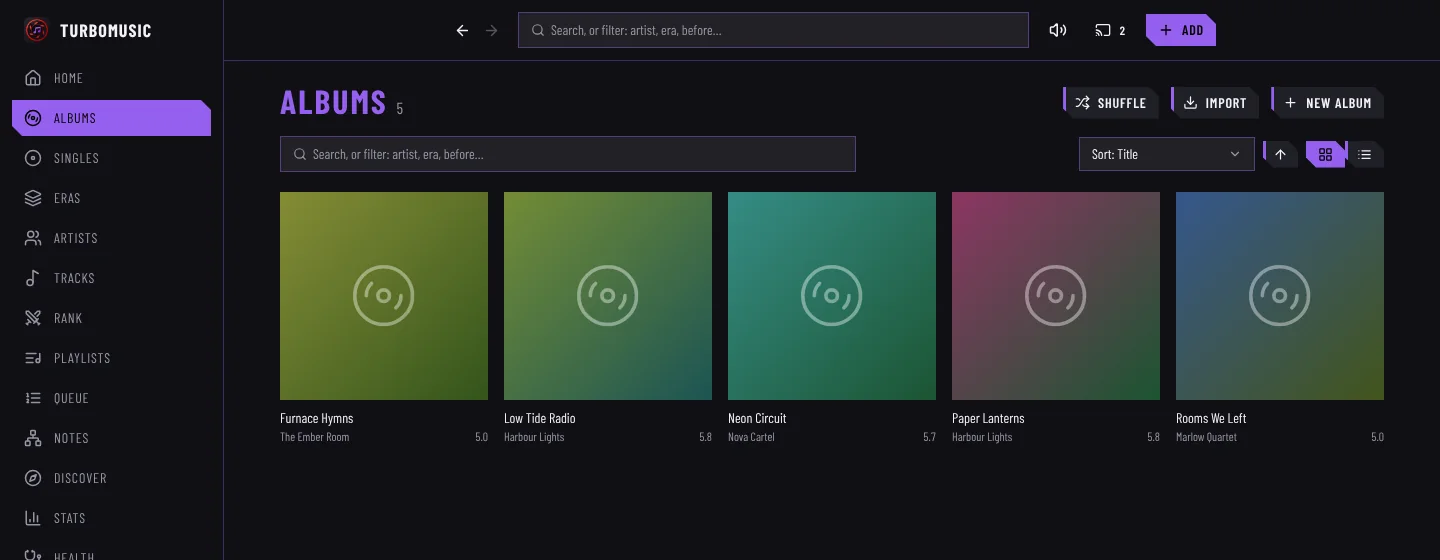
The apps carry up to 33 UI styles and 75 colour palettes. This site loads the neutral set (9 styles, 29 palettes), the one the engine keeps free of other companies' names and trade dress.
One engine underneath
The apps do not share a library. They share a reference: turboengine holds working modules that each app copies, pins to a commit and upgrades on purpose. That is why they feel alike without being tied together.
Themes, layouts, motion
One theme package, one set of hook classes, one motion language: new things arrive, a replaced list swaps, a panel slides in, a window pops.
Releases that update themselves
Every merge to main becomes a release, numbered by year, month and a counter (like v2026.10.3), and the installed apps update themselves from it.
A logo you can tell apart
The engine mark is the same everywhere; each app adds its own emblem in its own colour.
Where each one runs
Your data stays on your own machines. Server apps each take their own port, so several can live on one Raspberry Pi.
| App | Runs as | Port |
|---|---|---|
| TurboMusic | Web, desktop and Android clients with a small server (a Pi works) | 47813 |
| TurboPantry | A self-hosted server with a phone-first web app, and an early Android app | 47900 |
| TurboKeep | A self-hosted server (a systemd service, one command to install), web and Android | 47901 |
| TurboCut | Windows, Ubuntu and Android apps, or served from a web bundle | the web server takes --port |
| TurboDocs | A desktop app for Linux and Windows | none |
| TurboBudget | A static page in your browser, nothing to host but the files | none |
Servers sit happily behind a Cloudflare Tunnel with Access. Each app's README has the one-command installer and the details.